






Best free AI tools for Students

Best Free AI Tools for Students in 2026: Study Smarter Without Spending Money
Discover the most powerful free AI tools that help students write better, understand complex topics faster, and stay organized — all without paying a single rupee.
Loved by thousands of students worldwide
Hey there, student! Do you ever feel like homework takes forever, tough topics are confusing, or organizing notes feels impossible? You’re not alone.
Many students today are using free AI tools to learn faster, write better, and save precious time. These smart helpers work like patient tutors available 24/7 on your phone or laptop.
In this guide, we explore the best free AI tools for students in 2026. We focus only on tools with genuinely useful free tiers that actually help with real schoolwork.
Why Free AI Tools Are a Game-Changer for Students
Free AI tools can explain difficult concepts in simple language, help you brainstorm essay ideas, check your grammar, and turn messy notes into clear summaries.
💡 Pro Tip: Use these tools to understand and improve your work — never copy-paste answers directly. Teachers can often detect AI-generated content, and it stops you from truly learning.
Top Free AI Tools for Students in 2026
Here are the most effective and popular options right now:
1. Google NotebookLM – Best for Notes & Smart Revision
NotebookLM is like having your own personal study assistant that only knows *your* materials. Upload your PDFs, lecture notes, or slides, then chat with them, ask questions, or generate quizzes.
It can even create beautiful “Audio Overviews” — podcast-style discussions about your topic that you can listen to while walking to school or relaxing.
- Upload notes and PDFs
- Ask questions grounded in your own documents
- Generate study guides, flashcards, and quizzes
- Listen to AI-generated podcast summaries
Best for: History, science, literature, and any reading-heavy subject.
2. Google Gemini – Best All-Rounder Research Assistant
Gemini is Google’s powerful free AI that works beautifully inside Google Docs, Slides, and Gmail. It can understand images and text together and gives fast, helpful answers.
Students love it for quick explanations, creating presentation outlines, and summarizing long articles.
Example prompt: “Explain photosynthesis step by step like I’m in 7th grade.”
3. ChatGPT (by OpenAI) – The Most Versatile Study Buddy
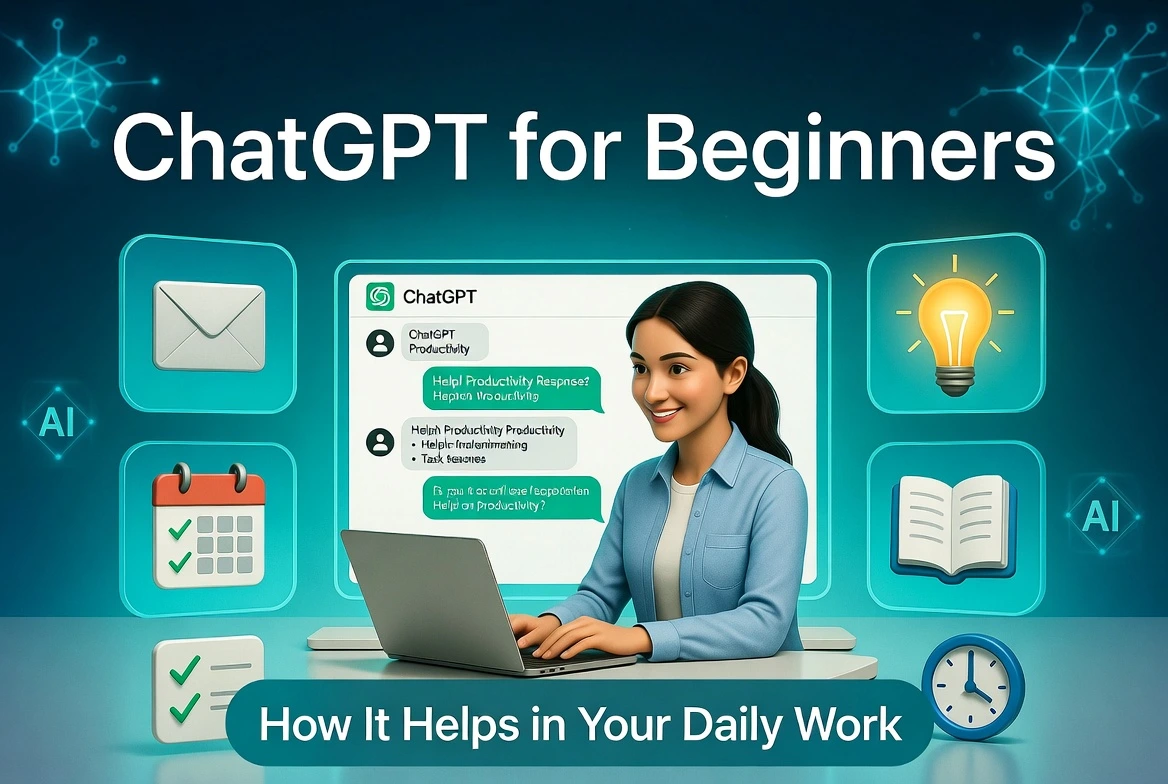
ChatGPT remains one of the most flexible free AI tools available. It can explain topics, help you outline essays, practice language conversations, or break down math problems.
The free version is already very capable for daily student use.
4. Perplexity AI – Best for Research with Sources
Perplexity works like a smart search engine. It gives clear answers and always shows you the original sources. This makes it perfect for school projects and reports where you need trustworthy information.
5. Claude (by Anthropic) – Excellent for Writing Essays
Claude is especially good at writing clear, well-structured essays and long explanations. Many students use it for drafting and improving their own writing.
6. Grammarly – Must-Have Writing Polisher
Grammarly checks spelling, grammar, and sentence clarity in real time. The free version works as a browser extension and inside Google Docs.
7. QuillBot – Best for Paraphrasing & Summarizing
QuillBot helps you rewrite text in different styles and summarize long articles. Great for understanding difficult reading or rephrasing ideas in your own words.
Quick Comparison: Best Free AI Tools for Students
| Tool | Best For | Key Free Features | Best For Students Who… |
|---|---|---|---|
| Google NotebookLM | Notes & Revision | Chat with your files, Audio Overviews, quizzes | Want personalized study help |
| Google Gemini | Research & Daily Help | Works in Google apps, handles images + text | Use Google Workspace regularly |
| ChatGPT | General Questions | Explanations, outlines, flexible use | Need one tool for almost everything |
| Perplexity AI | Research with Sources | Answers + real citations | Write reports and need trustworthy info |
| Claude | Writing Essays | Clear, thoughtful long responses | Want help drafting and structuring writing |
| Grammarly | Grammar & Clarity | Real-time corrections | Want to polish final assignments |
| QuillBot | Paraphrasing | Multiple rewrite modes | Need to rephrase or simplify text |
Other Helpful Free AI Tools Worth Trying
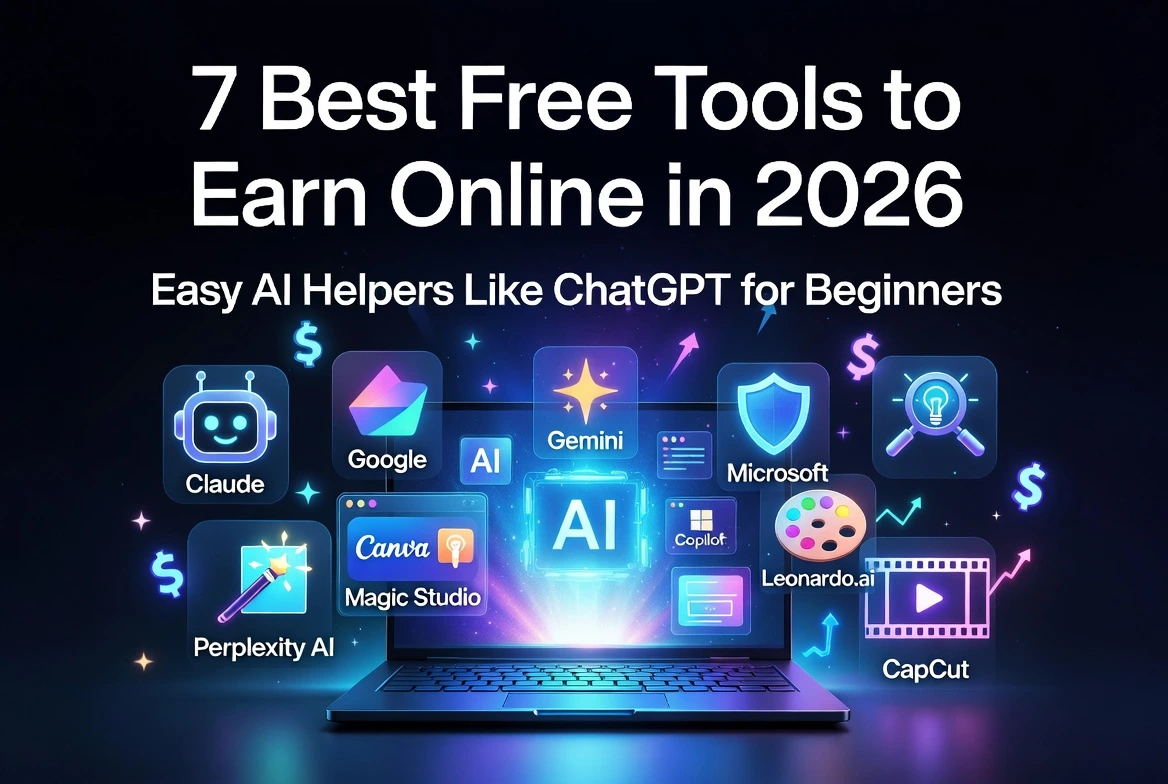
- Notion AI — Organize notes, tasks, and study plans in one place.
- Gamma or Canva Magic Studio — Create beautiful presentations in seconds.
- For Math & Science — Use Gemini or ChatGPT for step-by-step explanations. Photomath and Socratic by Google are also helpful for solving problems.
How to Use These Free AI Tools Wisely
Recommended Starting Stack
- ✓ NotebookLM + Gemini → Daily studying
- ✓ Grammarly + QuillBot → Writing assignments
- ✓ Perplexity → Research projects
Golden Rules
- • Always fact-check important information
- • Edit AI suggestions in your own voice
- • Never submit AI work as 100% your own
- • Protect your personal data
Final Thoughts
The best free AI tools for students in 2026 can genuinely help you study smarter and reduce stress. Tools like NotebookLM, Google Gemini, ChatGPT, Perplexity, Claude, Grammarly, and QuillBot are powerful, free (or have excellent free tiers), and easy to use.
Remember:
Use these tools as your study partners — not as shortcuts. The students who succeed are the ones who combine AI help with their own thinking and effort.
Which tool will you try first? We recommend starting with NotebookLM or Google Gemini — both are completely free and incredibly useful.
Happy studying! 🚀

