







ChatGPT for Beginners
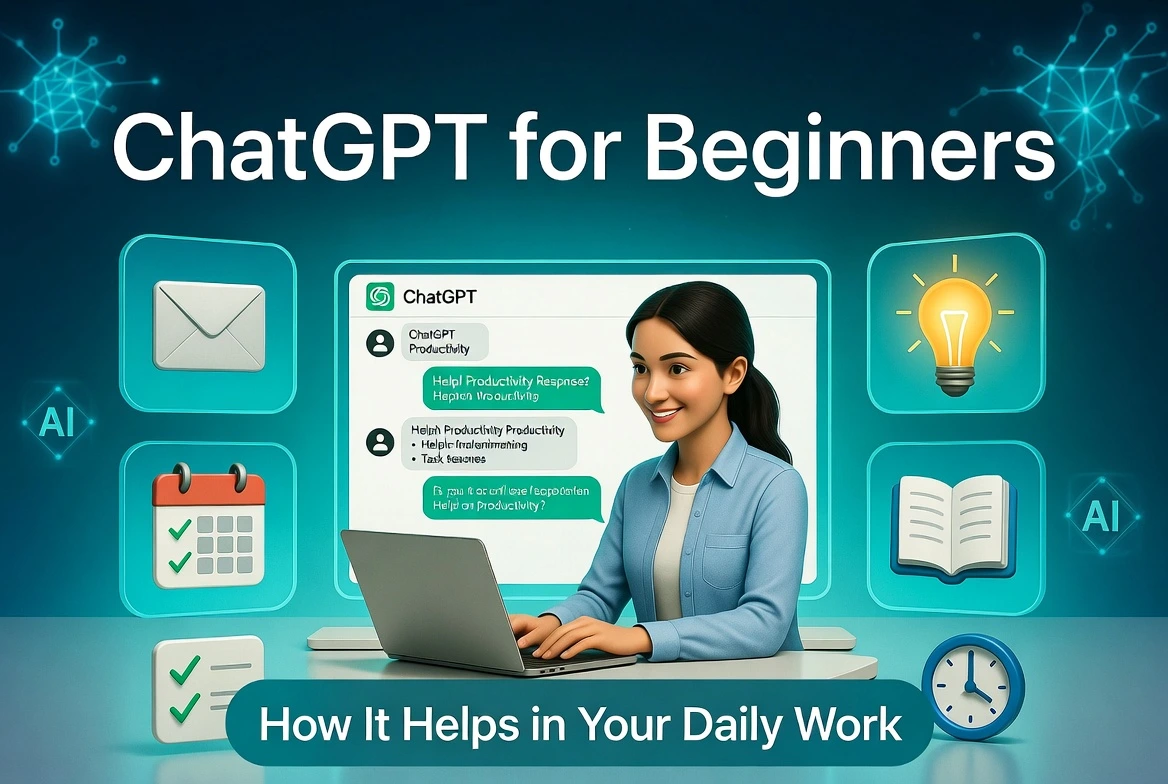
How ChatGPT Helps in Your Daily Work
Have you ever stared at a blank screen wondering how to write a professional email, plan your week, or understand a tricky topic? Many beginners feel the same way. That’s where ChatGPT comes in.
ChatGPT is a helpful AI chatbot made by OpenAI. It works like a smart assistant that understands your questions and gives clear answers in normal language. In this complete guide on ChatGPT for beginners, you’ll learn exactly how ChatGPT helps in daily work — from writing and planning to learning and staying organized. No tech skills needed!
Whether you’re a student, office worker, freelancer, or just someone who wants to save time, ChatGPT can become your everyday helper.
What Is ChatGPT and Why Do Beginners Love It?
ChatGPT is powered by advanced artificial intelligence (called a large language model or LLM). It reads what you type (called a prompt) and replies with helpful text. Think of it as chatting with a very knowledgeable friend who never gets tired.
For beginners, the best part is how easy it feels. You don’t need to learn coding or complicated commands. Just type in plain English — or even simple sentences — and it responds.
Key Benefits for Daily Work
- Saves time on repetitive tasks
- Helps explain hard ideas in simple words
- Brainstorms ideas when you feel stuck
- Organizes thoughts into clear lists or plans
- Improves writing without replacing your own voice
How to Get Started with ChatGPT (Super Easy for Beginners)
Getting started takes less than two minutes:
- Go to chat.openai.com on your phone, tablet, or computer.
- Sign up with your email, Google, or Microsoft account (it’s free to begin).
- Start a new chat and type your first question.
You can use the free version for most daily tasks. Paid plans add faster replies, web search, and file uploads — but beginners usually do great with the free version.
Pro Tip:
Create an account so your chats are saved. You can come back to old conversations anytime.

Top Ways ChatGPT Helps in Daily Work
Here’s how real people use ChatGPT every day. These examples work whether you’re in an office, studying, or managing a small business.
1. Writing Emails, Messages, and Documents Faster
Writing takes time. ChatGPT drafts polite, professional, or friendly messages in seconds.
- “Write a polite follow-up email to my boss about the project deadline. I need two more days because of team workload.”
- “Rewrite this paragraph to sound more professional and shorter.”
2. Planning Your Day and Managing Tasks
Feeling overwhelmed by to-do lists? Ask ChatGPT to organize everything.
- “Create a simple daily schedule for a student with classes from 9 AM to 3 PM.”
- “Make a prioritized to-do list for my marketing tasks this week.”
3. Learning and Understanding New Things Quickly
ChatGPT explains difficult topics like a patient teacher.
- “Explain photosynthesis like I’m in 7th grade.”
- “Summarize the key points of this article in 5 bullet points.”
4. Brainstorming Ideas and Solving Problems
Stuck on a project or decision? ChatGPT generates options instantly.
5. Summarizing Long Texts or Meetings
Just paste the text and say: “Summarize this in simple language with the main action items.”
Example: How ChatGPT Helps with Common Daily Tasks
| Daily Task | Without ChatGPT | With ChatGPT | Time Saved |
|---|---|---|---|
| Writing a professional email | Staring at blank screen, rewriting many times | Gets a polished first draft in seconds | 10–15 min |
| Creating a weekly plan | Scattered notes, feeling overwhelmed | Clear prioritized list + schedule | 15–20 min |
| Understanding a new topic | Reading long articles | Simple explanation + examples | 20–30 min |
| Brainstorming project ideas | Blank mind or limited ideas | 8–10 fresh ideas with pros/cons | 15–25 min |
| Summarizing documents | Reading everything yourself | Key points + action items in bullets | 30+ min |
Smart Tips to Get Better Results (Prompt Engineering for Beginners)
The quality of answers depends on how you ask. Here are easy rules that work great:
- Be specific — Instead of “Help with my email,” say exactly what you need.
- Give context — Tell it your role, goal, or audience.
- Ask for a format — “Give the answer in a numbered list” or “Make it sound friendly.”
- Iterate — If the first answer isn’t perfect, reply with “Make it shorter” or “Add more examples.”
- Always check facts — ChatGPT is helpful but can make mistakes on important information.
Things to Keep in Mind (Honest Advice)
ChatGPT is powerful, but it’s not perfect:
- It can sometimes give wrong or outdated information — always verify important facts.
- Never share private details like passwords, bank info, or confidential work data.
- It’s a tool to help you, not replace your thinking or creativity.
Final Thoughts: Should You Try ChatGPT Today?
Yes! ChatGPT for beginners is one of the easiest ways to work smarter. It helps with writing, planning, learning, and problem-solving — all in one friendly chat window. Many people report saving hours every week once they get comfortable.
Start small. Try one task today, like drafting an email or making a simple to-do list. The more you practice, the better your prompts become — and the more time you save.
Frequently Asked Questions
Is ChatGPT free to use?
Yes, the basic version is free. You only need an email to start. Paid plans add extra features.
Can ChatGPT replace my job?
No. It helps you work faster and better, but human creativity, judgment, and relationships are still essential.
How accurate is ChatGPT?
It’s usually very good, but it can make mistakes. Always double-check important information.
Can I use ChatGPT on my phone?
Yes! There’s a free mobile app for iOS and Android that works great for quick questions on the go.
Ready to boost your productivity?
Open ChatGPT now and try your first prompt. You’ll be surprised how much time you can save.

